
Windows game on a Mac
Half-Life 2 on a Mac: how to run the classic
Valve’s classic on OpenGL: it reaches the menu, the rest is next.
Updated 7 October 2026 · Uncork 1.0.10
Steam does not list macOS for Half-Life 2 as of 7 October 2026. In Uncork 1.0.3 or newer the game reaches the main menu: on 6 October 2026, on a MacBook Pro 14″ with an M3 Pro. We did not play further and did not measure the frame rate. Use only the current version: before that, the Uncork driver gave the game no OpenGL and it closed.
What the game is
Half-Life 2 came out from Valve in 2004. You are Gordon Freeman, you arrive in City 17 and fairly soon get the gravity gun: you hurl anything not nailed down at enemies and solve physics puzzles with it.
The game is old, so frame rate is not the point. What matters is that it launches at all, and it is a game you want to play again.
Does Half-Life 2 have a Mac version
We checked the Steam store (7 October 2026): the game lists Windows and Linux, with no macOS. So on an Apple Silicon Mac it runs through a compatibility layer, which is what Uncork does.
What we tested
A record from 6 October 2026 on the reference machine: MacBook Pro 14″ (Mac15,6), Apple M3 Pro, 14-core GPU, 18 GB, macOS 26.
| What | Result |
|---|---|
| Launch | reaches the main menu |
| Graphics | built-in (OpenGL) |
| Uncork version | 1.0.3 or newer needed |
| Frame rate | not measured |
We did not play beyond the main menu.
Why you need Uncork 1.0.3
The game uses OpenGL. Before version 1.0.3 the Uncork driver gave such games no OpenGL context, and the game closed. From 1.0.3 it reaches the menu. Portal 2 works the same way, and Teardown takes the same route.
How to run it
- Download Uncork from the main page — you do not need to sign in on the site, and running games is free with no account.
- Install Uncork: the app builds a bottle with the Windows version of Steam inside.
- Sign in to Steam yourself and install the game like any other. Your password and Steam Guard code are entered only in Steam's own window.
- Press “Play” on the game's card.
The record has no special settings. If the game closes right after launch, check that you have Uncork 1.0.3 or newer.
What we did not test
- The game itself past the main menu: frame rate, sound, stability.
- The episodes and add-ons.
- Mods and custom maps.
- Any Mac other than the reference one.
Questions
Is there a Half-Life 2 for Mac?
Steam lists Windows and Linux for the game as of 7 October 2026. Through Uncork it reached the main menu on our M3 Pro.
Why did the game close before 1.0.3?
The Uncork driver gave OpenGL games no context. Since version 1.0.3 that is fixed and the game reaches the menu.
How many fps does Half-Life 2 get?
We did not measure it: the record ends at the main menu.
Do I need Uncork Pro?
No, running games is free. We have not tested Pro features in this game.
All the games we have run are on the page “Games we have tested”.
More games





Read next
- Which games we have tested on a Mac — the games we have run ourselves, with frame rates, machine and date
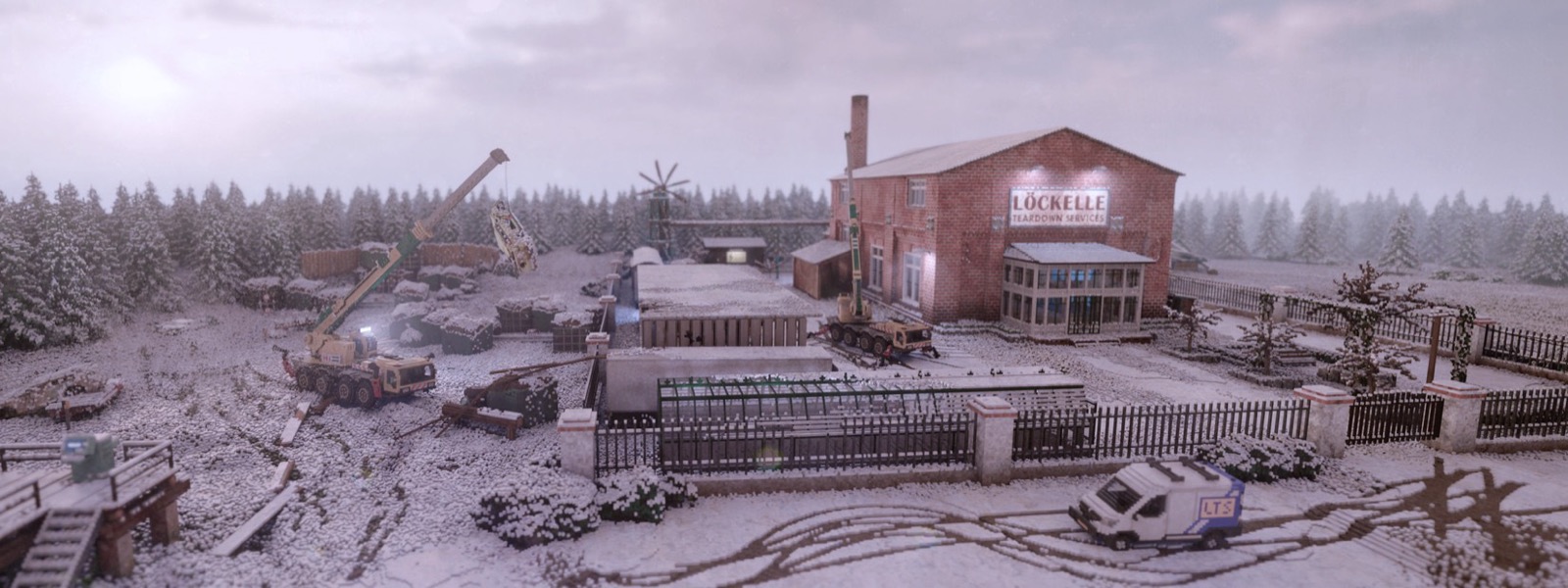
- Teardown on a Mac: smash everything, and how to get it running — whether Teardown has a Mac version, how to run it in Uncork, and the frame rates we saw on an M3 Pro
- How to play Windows games on an Apple Silicon Mac: every method, free and paid — every way to play Windows games on Apple Silicon, with price and limits